VERA PETby VetBiomeX
How it works

How VERA PET works

A simple step-by-step way to create your pet’s workspace, build their health baseline, and use VERA PET with confidence.

VERA PET desktop workspace for the example pet Milo.
VERA PET mobile workspace for the example pet Milo.
A smiling golden retriever.
Your VERA PET journey

Three stages. One connected picture.

Begin with the basics, follow everyday wellbeing, and keep care organized as Milo’s health story grows.

1Get startedGet started
2Follow everyday wellbeingDaily wellbeing
3Coordinate careCoordinate care
1 Stage 1

Get started

Set up Milo’s health workspace and build a strong foundation.

1

Create your account

Sign up and open your secure VERA PET workspace.

VERA PET owner account registration form.
2

Add your pet profile

Add Milo’s basic details, photo, and starting information.

VERA PET pet-profile setup form using the example pet Milo.
3

Build your pet’s baseline

Share what is normal for Milo so VERA PET can begin building a clearer picture over time.
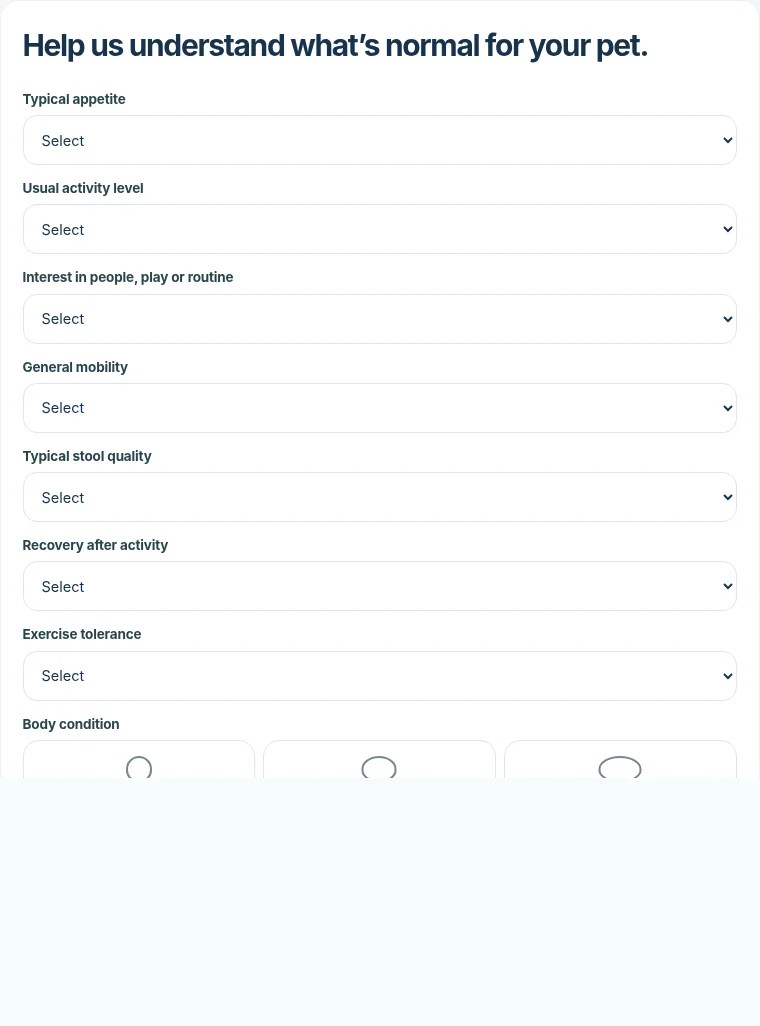
VERA PET baseline setup for the example pet Milo.
1 Create your account

Sign up and open your secure VERA PET workspace.

VERA PET owner account registration form.
2 Add your pet profile

Add Milo’s basic details, photo, and starting information.

VERA PET pet-profile setup form using the example pet Milo.
3 Build your pet’s baseline

Share what is normal for Milo so VERA PET can begin building a clearer picture over time.

VERA PET baseline setup for the example pet Milo.
2 Stage 2

Follow everyday wellbeing

Capture daily moments and observe how Milo’s picture develops over time.

4

Save a Daily Check-In

Record appetite, hydration, activity, comfort, behavior, digestion, and general appearance.

VERA PET Daily Check-In interface.
5

Review Insights

See how Milo’s health areas and everyday patterns change as more information is added.

VERA PET Insights interface showing health-area patterns.
6

Use Together

Capture routines and shared moments that support Milo’s wider wellbeing.

VERA PET Together interface for routines and shared moments.
4 Save a Daily Check-In

Record appetite, hydration, activity, comfort, behavior, digestion, and general appearance.

VERA PET Daily Check-In interface.
5 Review Insights

See how Milo’s health areas and everyday patterns change as more information is added.

VERA PET Insights interface showing health-area patterns.
6 Use Together

Capture routines and shared moments that support Milo’s wider wellbeing.

VERA PET Together interface for routines and shared moments.
3 Stage 3

Coordinate care

Keep everything organized and reach the right support when it matters.

7

Organize records and care

Keep records, medications, nutrition, laboratory results, documents, and care information connected.

VERA PET Records interface.
8

Request professional support

Prepare, review, and securely submit a consultation request to VetBiomeX when additional support may help.

VERA PET consultation interface.
7 Organize records and care

Keep records, medications, nutrition, laboratory results, documents, and care information connected.

VERA PET Records interface.
8 Request professional support

Prepare, review, and securely submit a consultation request to VetBiomeX when additional support may help.

VERA PET consultation interface.
Begin with the basics

Ready to get started?

Start building a clearer, more connected picture of your pet’s health and wellbeing.